< Back to blog
Written by: Jack
Published: December 15, 2025
Search for a Vim-based Note Taker
If you're like me, you spend all too much time in Neovim. Vim motions are muscle memory. It's basically part of my identity.
diw
2fa
:%s/old/new/gc
I
It makes sense that these vim motions seep their way into all my text editing work. Thus starts my quest to find a Vim-based note taker.
Neovim
Neovim is the natural first stop to taking notes with a vim editor. I already write READMEs on Neovim, why not use it for Markdown-based notes? I've even seen a few plugins to make Neovim notes cloud available.
But the strengths of a terminal app are also its weaknesses. Terminal apps have limitations like one font size and text-based interfaces that enhance simplicity and creativity (Neovim and Opencode are some of my most loved apps).
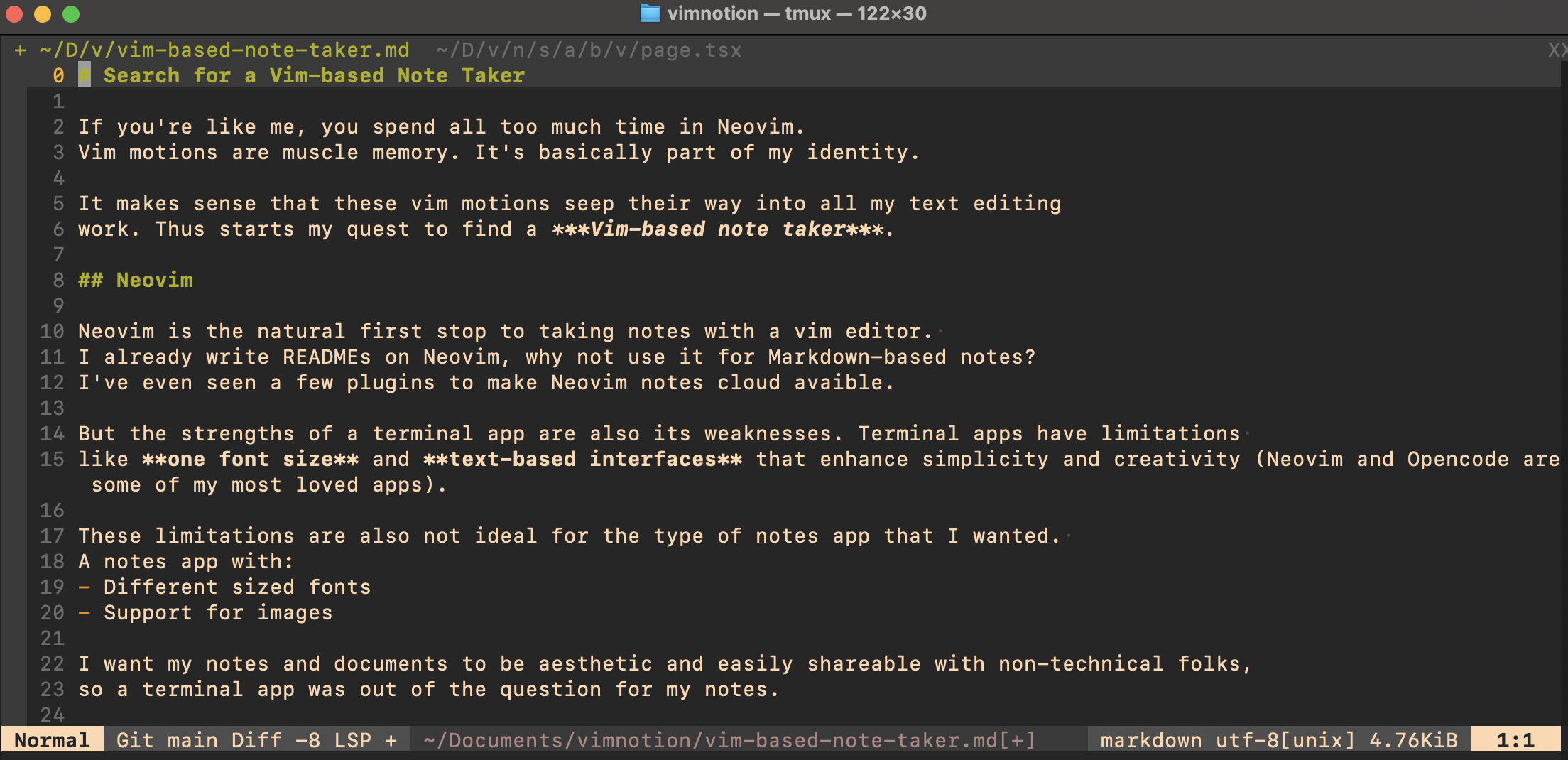
These limitations are also not ideal for the type of notes app that I wanted. A notes app with:
- Different sized fonts
- Support for images
I want my notes and documents to be aesthetic and easily shareable with non-technical folks, so a terminal app was out of the question for my notes.
Obsidian
Obsidian is a beloved notes and knowledge app. I love Obsidian's local-first philosophy and it did support vim! That being said, Obsidian in my opinion is a local desktop notes app built for general audiences first, and not built for vim users first.
Obsidian had the vim motions, but didn't feel as smooth and flow-inducing as programming on Neovim.
- Not mono-spaced: Every character in vim in your terminal takes up the same amount of space. The even spacing makes it easy to navigate up and down your file. In Obsidian, Markdown notes have different sized fonts, so navigating lines feels choppy while the cursor changes sizes.
- Keyboard shortcuts felt unnatural: I'm sure I could've overcome this, but something in my Neovim brain didn't click with Obsidian's native shortcuts.
<Command>+Knever hit as a good as<Space>sf. - Not Vim-first: Obsidian was built for everyone, not with vim users first. Because of that, navigation takes multiple clicks on menus and sidebars.
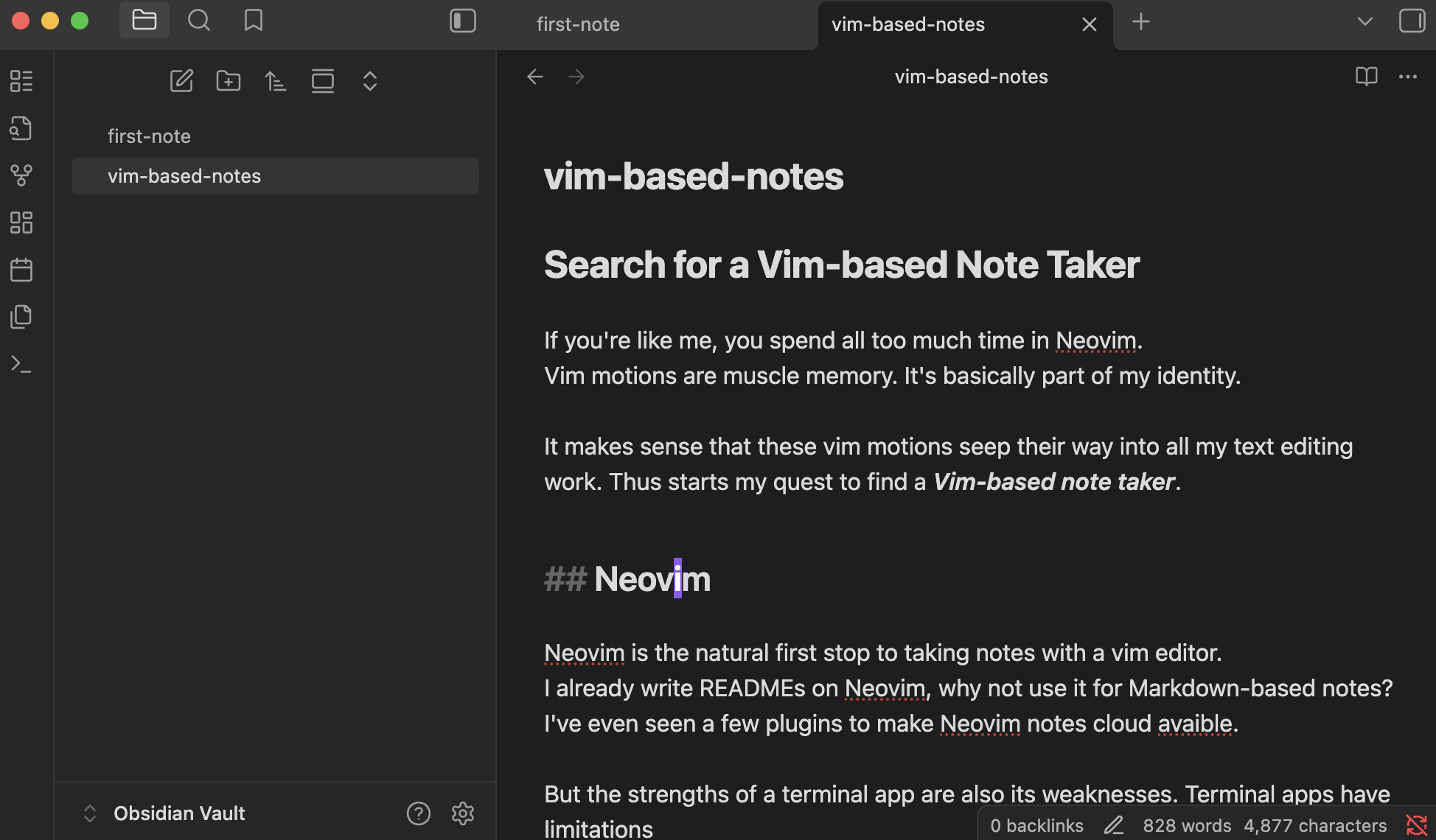
I realized that there's a difference between a notes app with vim bindings and a truly Vim-first notes app. I wanted the latter. I wanted my fingers to fly.
Org Mode with Vim
I'll be honest here, I skipped this stop. I know some people swear by this, but I didn't want (or maybe I'm not ready) to use emacs. Sorry everyone.
Inkdrop
Inkdrop is an app for technical notes by Takuya Matsuyama. It's hard for me to nitpick Inkdrop because Matsuyama is an inspiration to me. His work and story regularly inspire me and sets a standard for just what a solo dev can do.
Inkdrop is incredible with first-class Markdown, key bindings for vim, emacs and even sublime. Inkdrop has local and cloud syncs, monospace text editing and built-in markdown renderer, and even a Telescope-like search command Matsuyama even named "Telescope" in homage to TJ Devries's Neovim plugin.
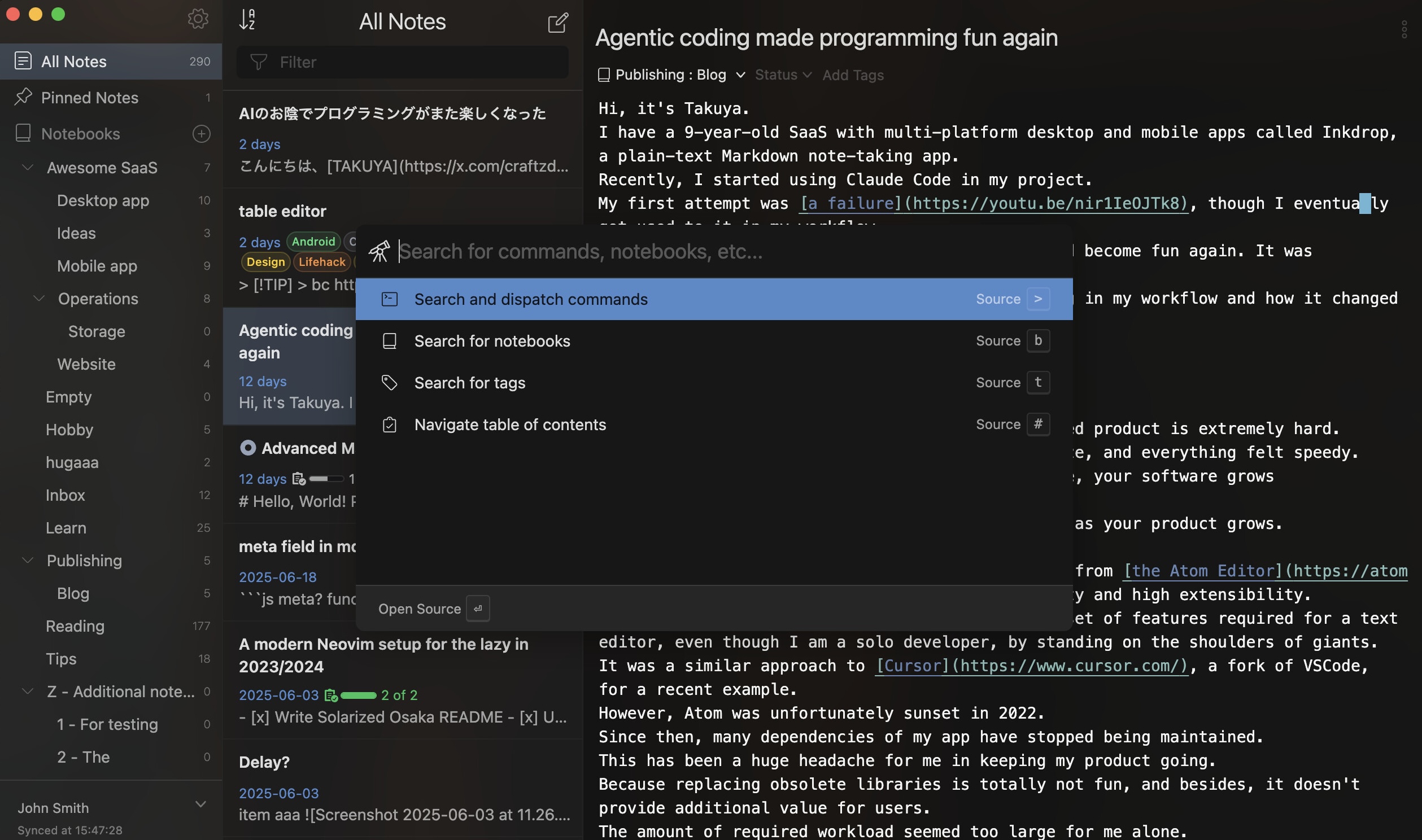
Inkdrop is the closest note taker to what I wanted:
A Neovim-like experience for beautiful notes
But it still didn't carry the Vim-first ethos I sought.
We all have different reasons we came to and stayed for vim. For me, it was not the extensibility or customizability. My passion isn't to find the optimal configuration for my workflow, it's to find tools that I love working with.
Extensibility & customizability can be a part of that equation, of course. But I've come to find that
kickstart.nvim defaults with oil.nvimare all that I need for my Neovim setup.And so, the extensibility and plugin ecosystem of Inkdrop didn't speak to me as it may speak to some of you.
I believe I could have tweaked Inkdrop to make it work for me. But instead, like any hacker with too much time, I asked the time-honored question:
What if I built my own tool?
Enter VimNotion
VimNotion is a notes & document text editor that holds Vim and Markdown as first-class citizens above all else.
VimNotion is monospaced, with consistent font, font sizes, and line numbers. Your fat cursor in normal mode can fly across your doc. It's almost like you're working in Neovim in your terminal.

What you can't do in your terminal - what you can't do in Neovim or vim - is render Markdown in HTML with images. VimNotion, built on the web, can render your Markdown notes with a quick key combination
<Space>m. "Space" being the leader key, and [m]arkdown.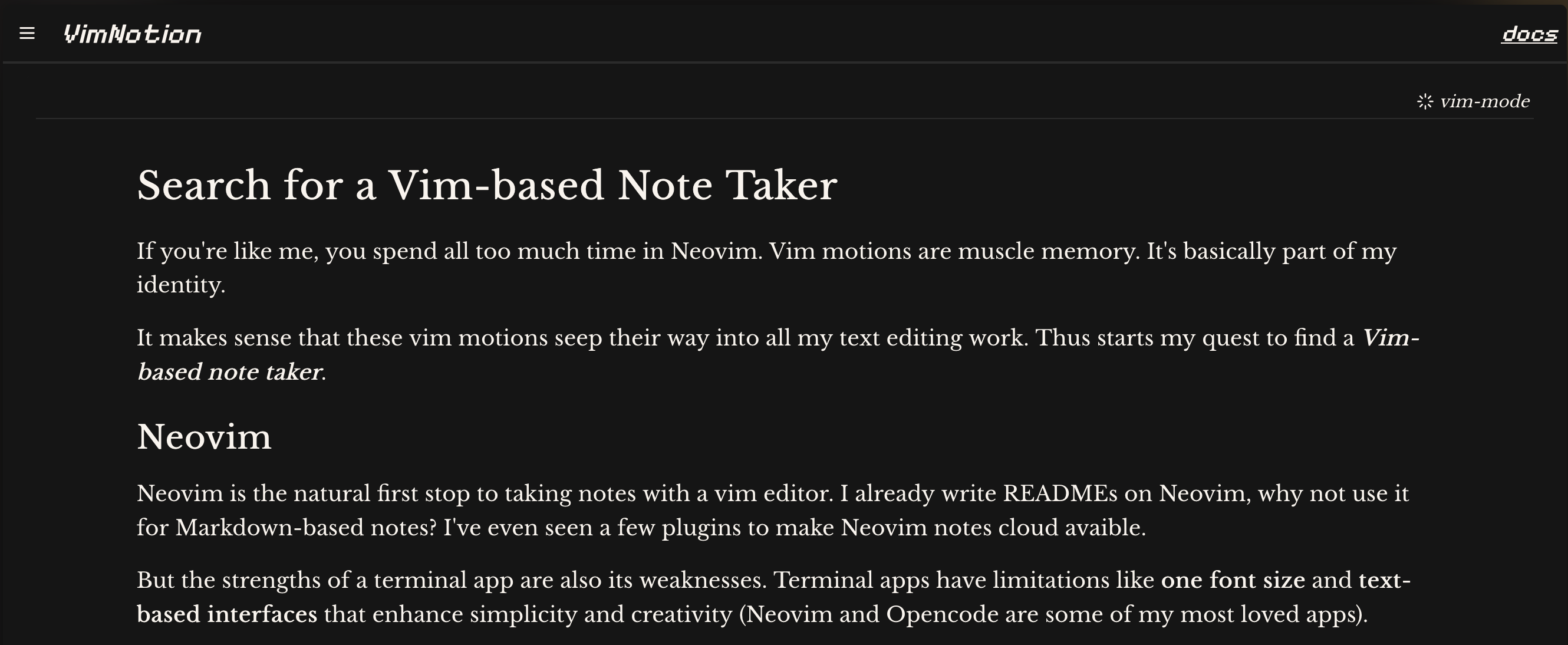
VimNotion adopted a subset of Vim commands for notes -
:split,:vsplit, and:tabnew. VimNotion also adopted some keybindings and extensions inspired from Telescope.nvim and oil.nvim, using <Space> as the leader key.End of the Journey?
I've searched far and wide for the perfect Vim-based note taker. In that search, I've built my own vim-firstnote taker, VimNotion. It's some of the most fun I've had programming. If you're a vim enthusiast, I hope you'll give VimNotion a try and let me know your thoughts. Until next time.
:wq,
- Jack